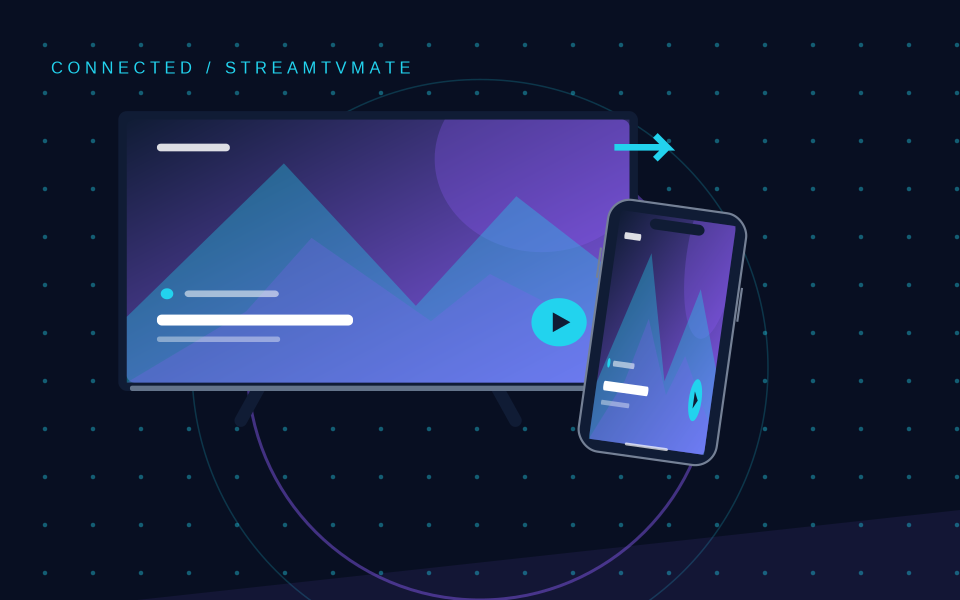
Smart TVs, phones and streaming sticks make it easy to move between screens. StreamTVMate explains why access on another device is different from an extra active stream.
You may use the same single-device subscription on different compatible devices, but you can play it on only one device at a time. Installing a player on a TV, a phone and a tablet does not turn that subscription into three simultaneous streams.
Can I use one IPTV subscription on multiple devices?
Yes, subject to the supported player and account format. You can watch on your television, stop playback, then continue on a compatible phone using the same subscription. The important limit is the number of active streams, not the number of devices on which you have installed an app.
Device-specific formats can require help when switching. For example, an account tied to a device identifier or a MAG portal may need support to confirm the correct setup. Check the installation guide before entering account details into another player.
For simultaneous viewing, each device needs its own subscription
If two people want to watch at the same time, each playing device needs its own subscription. The same rule applies to three or more simultaneous viewers. Do not share one single-device login across screens that will be playing together.
| Your setup | Subscriptions needed |
|---|---|
| TV in the evening, phone later; only one is playing | One, if both setups are compatible |
| TV and phone playing at the same time | Two: one for each device |
| Three TVs playing together | Three: one for each device |
| Player installed on four devices, but only one playing | One, subject to account-format compatibility |
What does the device count on a plan mean?
Choose the number of devices that need to play at the same time. A package for multiple devices should cover a subscription for each simultaneous device. Confirm the account details and activation instructions with StreamTVMate before ordering, including whether separate credentials are supplied for each screen. Installing extra players alone does not purchase additional subscriptions.
Compare the selected duration and device total on the pricing page. Keep the same device count when discussing your order with support, so the package matches how your household actually watches.
How to switch screens without a playback conflict
- Stop the stream on the first device and exit playback fully. Putting a screen to sleep may leave its player running.
- Open the compatible player on the second device and start your stream.
- If it reports an active session, allow the previous session to close rather than repeatedly reconnecting.
- Contact support if the old session remains active after playback has stopped.
Frequently asked questions
Does a second player app include a second subscription?
No. A player’s licence and your content subscription are separate. Paying for an app does not increase your subscription’s simultaneous viewing allowance.
Can I watch different channels on two screens with one subscription?
No. Two screens playing different channels still count as two active streams. Each device needs its own subscription for viewing at the same time.
Can exceeding the limit cause freezing or disconnections?
The service may reject or interrupt an additional stream. Close playback elsewhere before diagnosing a fault. If problems continue with only one active device, use our buffering and freezing checklist.
Unsure how many subscriptions your household needs? Tell support which screens will play together before choosing a package.
YOUR NEXT STEP